Our Store Located: 23C James Road Manurewa Auckland
Cell No: 0221562297
Our Store Located: 23C James Road Manurewa Auckland
Cell No: 0221562297
Showing 1–12 of 165 results
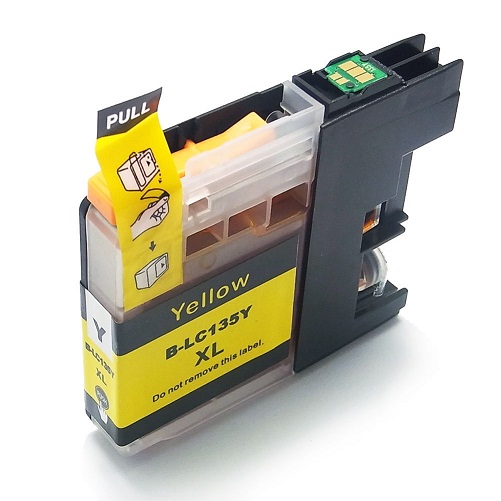
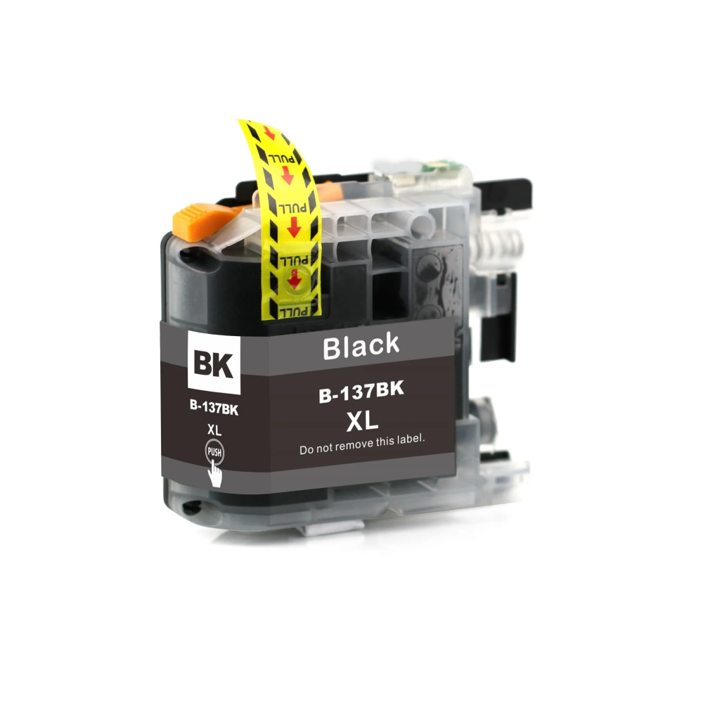
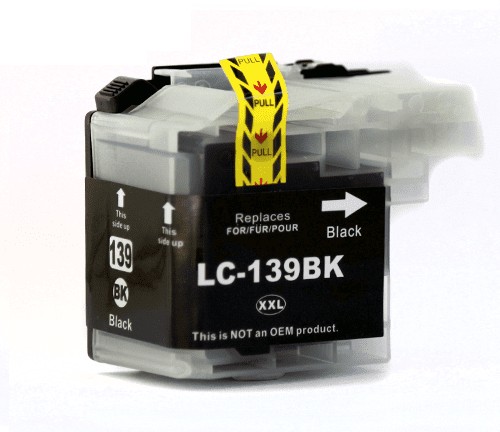
Brother Printer Ink and Toner NZShop Brother printer ink, toner cartridges and P-touch label supplies at Inkshop, with compatible options for home, office and small-business printing throughout New Zealand. This Brother category is designed to answer the questions shoppers usually have before ordering: which cartridge fits, whether compatible Brother ink or toner is suitable, how page yield affects value, and how to install a replacement correctly. Whether you need Brother ink cartridges for everyday colour printing, Brother toner for a laser printer, or Brother P-touch label tape for organised labelling, start by identifying the exact printer model and cartridge number. Matching the reference is more reliable than choosing by brand alone.What Brother Ink or Toner Do I Need?The right Brother cartridge depends on your printer model, cartridge family, colour and required capacity. Brother printers can use different cartridge numbers across apparently similar machines, so check the model printed on the front, rear or control panel of your printer and compare it with the product information shown on the Inkshop listing. If you still have the old cartridge, keep it nearby and compare its reference before ordering. For inkjet printers, check whether you need black, cyan, magenta, yellow or a complete set. For laser printers, check whether the machine uses a toner cartridge, separate drum unit, or both.Identify your exact Brother printer model.Check the cartridge or toner reference on the old cartridge.Choose the required colour or multipack.Compare standard and high-yield options where available.Check the individual product page for supported models before checkout.Compatible Brother Ink and TonerCompatible Brother ink and toner can be a practical alternative to original branded cartridges when you want to control ongoing printing costs. A compatible cartridge is made by a third-party manufacturer rather than Brother, and suitability depends on the exact cartridge specification and printer model. Inkshop groups compatible products by cartridge family to make selection easier. For routine documents, school work, invoices, forms, labels and everyday colour printing, the important factors are compatibility, capacity, print quality, reliability and total cost per page. Avoid selecting a cartridge solely because it looks similar to the original. Always compare the cartridge number and compatible printer information first.Brother Toner for Laser PrintersBrother laser printers are widely used for fast document printing because toner is designed for electrophotographic printing rather than liquid inkjet printing. If your Brother printer uses a separate drum and toner system, replacing the toner cartridge does not necessarily mean the drum needs replacement. A fading, streaking or low-toner warning should be considered alongside the printer’s maintenance indicators. Inkshop also offers drum units for selected models, so you can choose the correct consumable rather than replacing components unnecessarily. Where a product provides a stated page yield, use it as a planning estimate rather than a guarantee because actual yield changes with page coverage, document type, print settings and printer condition.Brother P-touch Label TapesBrother P-touch label tapes are useful for offices, workshops, kitchens, stockrooms, classrooms, cable identification and home organisation. The tape reference matters because P-touch machines support particular tape families, widths and finishes. Before ordering, check the model of your label printer and compare the tape width and reference on the existing cassette. Inkshop’s Brother range includes compatible label supplies where available, giving customers another option for regular labelling jobs. If you label shelves, folders, storage boxes, cables or equipment frequently, choosing the correct tape size and finish can make labels easier to read and more durable for their intended environment.High-Yield Brother Cartridges and Print ValueHigh-yield Brother cartridges can make sense for customers who print frequently because the cartridge may produce more pages before replacement. However, the lowest purchase price is not always the lowest cost per page. Compare the listed yield and price together, especially for office printing. A simple calculation is cartridge price divided by expected pages. Actual results vary with the amount of text, graphics and colour coverage on each page. For a small home printer, a standard cartridge may be sufficient. For a busy office, school, clinic, warehouse or business, a higher-capacity cartridge can reduce the frequency of replacements and interruptions.What to compareWhy it mattersPrinter modelConfirms the cartridge family is suitable.Cartridge numberProvides the most useful ordering reference.ColourPrevents ordering the wrong individual cartridge.Page yieldHelps estimate ongoing printing value.Cartridge typeDistinguishes ink, toner and drum requirements.Compatible vs Genuine Brother SuppliesGenuine Brother cartridges are manufactured and sold under the Brother brand. Compatible cartridges are third-party alternatives designed for specified Brother printer models. The best option depends on your priorities, printer requirements and budget. If manufacturer-branded consumables are required by a particular business process or contract, check that requirement before ordering. For customers seeking a practical compatible Brother ink or toner option, the key is accurate model matching and using the cartridge as intended. Inkshop product pages provide the relevant cartridge reference and compatibility information available for each listing.How to Check Your Brother PrinterBefore purchasing Brother ink or toner NZ customers can quickly identify their printer model by checking the label on the printer itself, the control-panel information screen, the original packaging, or the printer settings on a connected computer. The model may include letters and numbers that look similar to another Brother series, so copy the complete reference. Then search Inkshop using that model or compare the cartridge number from the existing cartridge. If you are unsure, contact Inkshop with the exact printer model and cartridge reference so the correct product can be identified before you place the order.Installing Brother Ink, Toner or Label TapeWhen installing a new Brother consumable, follow the printer or label maker manufacturer’s instructions. For ink cartridges, remove protective seals only when instructed and insert each colour into the correct slot. For toner, open the printer access area, remove the old cartridge carefully and install the replacement without touching sensitive imaging surfaces unnecessarily. If your machine uses a separate drum, follow the manufacturer’s reset or replacement instructions. For P-touch tape, ensure the cassette is seated correctly and that the tape type and width match the machine. After installation, run the printer’s normal alignment, cleaning, calibration or test function if recommended.Helpful Inkshop Resources for Brother PrintingChoosing a cartridge is easier when you understand the difference between ink and toner, how page yield works and how to check compatibility. Visit the Inkshop printer ink and toner shop to browse available products. For broader purchasing guidance, read the NZ printer ink and toner buying guide. If you have a question about cartridge selection, installation or printer consumables, see the printer ink and toner FAQ. You can also browse toner cartridges and ink cartridges by product type.Brother Support and Manufacturer InformationFor official printer manuals, driver information, machine specifications and manufacturer support, consult Brother New Zealand. Manufacturer documentation is particularly useful when you need exact installation, maintenance, cleaning or error-code instructions. Inkshop’s product information should be used alongside the printer manufacturer’s instructions rather than as a replacement for them.Order Brother Ink and Toner Online NZInkshop makes it simple to compare Brother ink cartridges, Brother toner and compatible P-touch supplies online in New Zealand. Before checkout, confirm your printer model, cartridge reference, colour and capacity. If you print regularly, compare page yield as well as purchase price so you can choose a cartridge that fits your expected workload. Keep your old cartridge until the new one has arrived and been checked. For help, contact Inkshop with the complete printer model and cartridge number. Browse the Brother range above to find a practical compatible replacement for your next print job, whether you are printing documents at home, managing an office or organising equipment with labels.
In stock
In stock
In stock
In stock
In stock
In stock
In stock
In stock
In stock
In stock
In stock
In stock
No account yet?
Create an Account
 Toner Cartridges
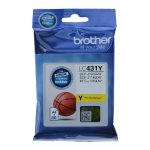 Ink Cartridges
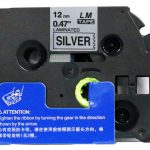 P-Touch Label Tapes
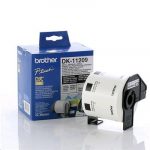 Thermal Labels & Rolls
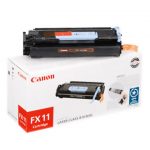 Toner Cartridges
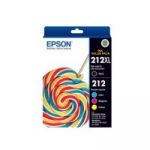 Ink Cartridges
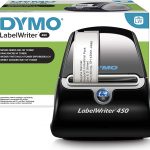 DYMO Label Rolls
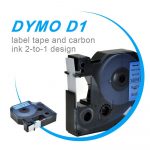 DYMO Label Tapes
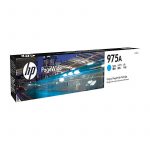 Toner Cartridges
 Ink Cartridges