Our Store Located: 23C James Road Manurewa Auckland
Cell No: 0221562297
Our Store Located: 23C James Road Manurewa Auckland
Cell No: 0221562297
Showing 1–12 of 15 results
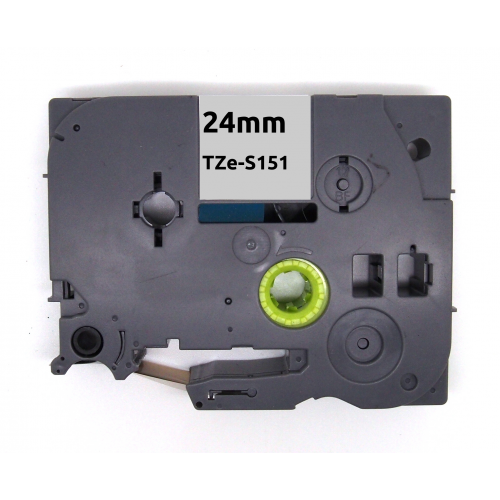
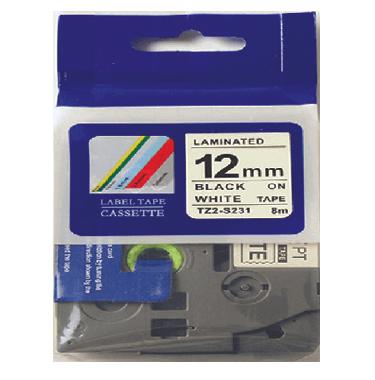
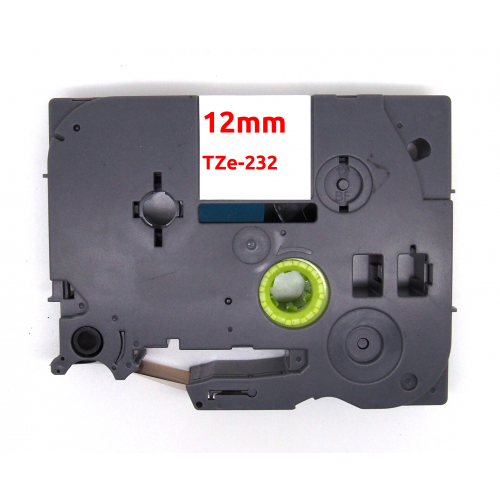
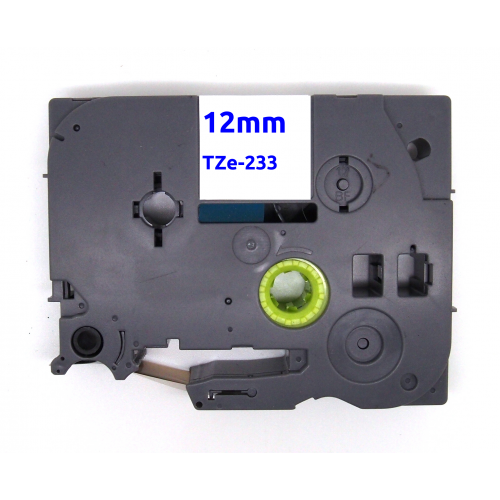
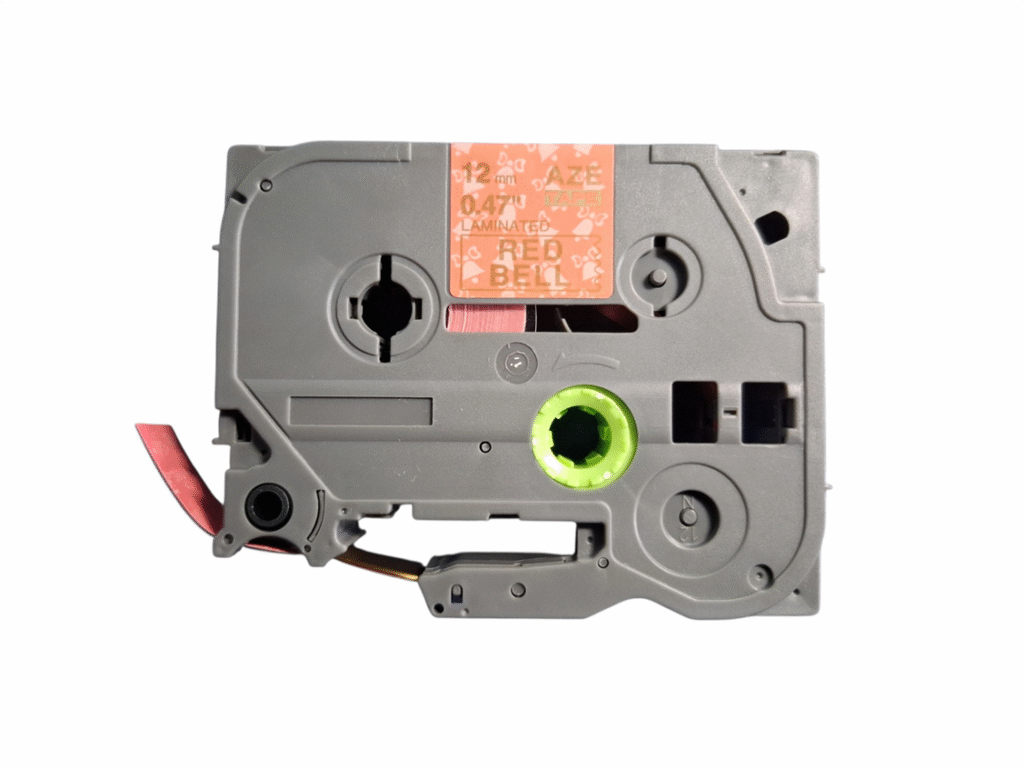
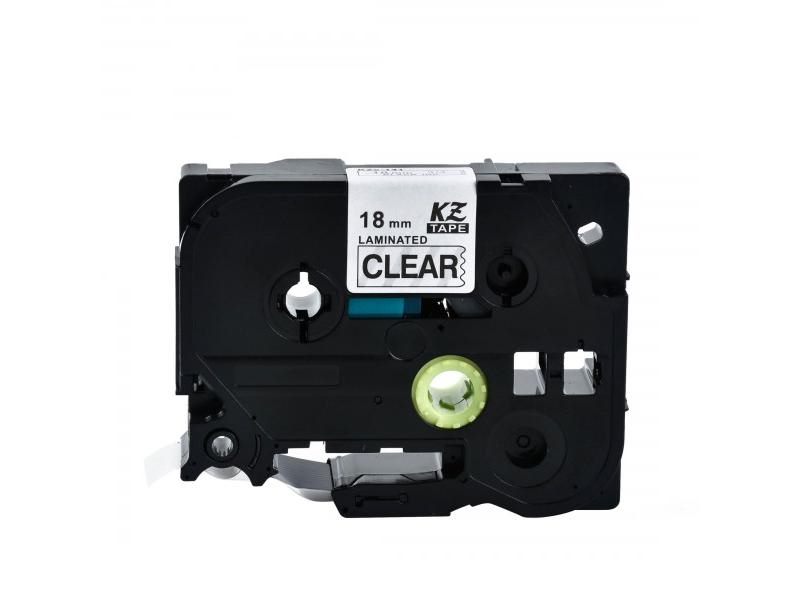
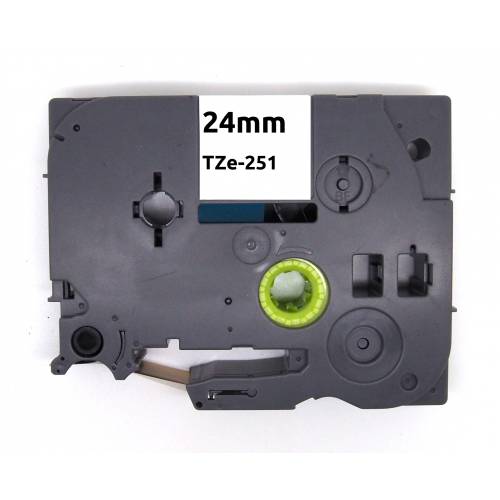
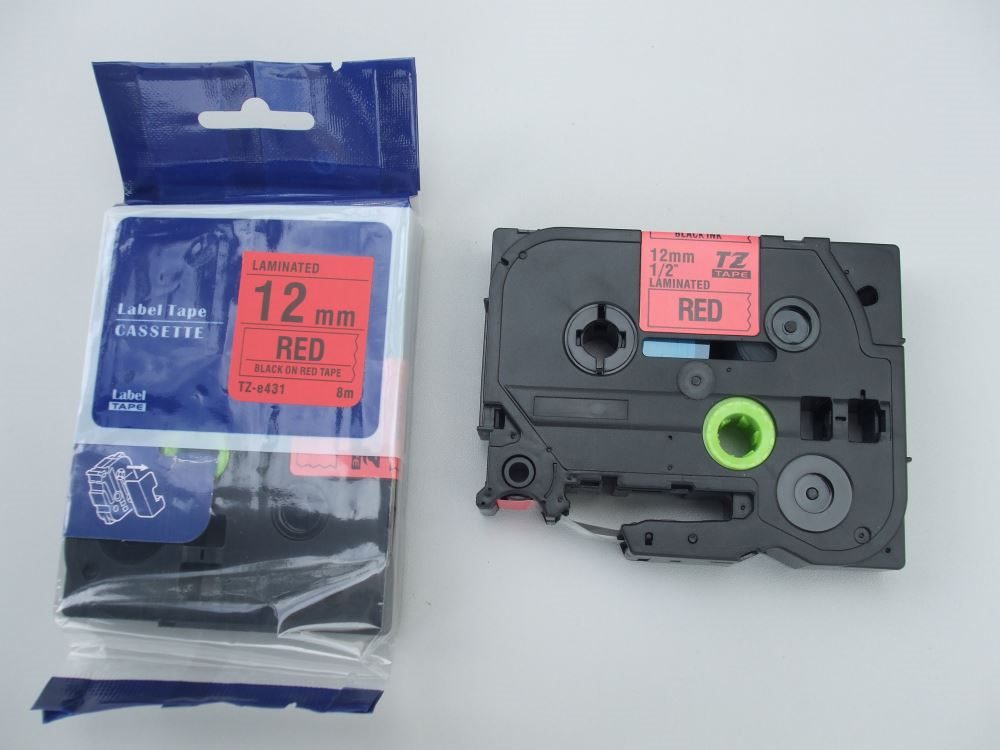
Brother P-Touch Label Tapes NZShop Brother P-Touch label tapes in New Zealand for home organisation, office filing, stockrooms, workshops, classrooms, cables, shelves and equipment. This category focuses on choosing the correct tape reference, width, colour and finish for your Brother P-Touch label maker. The safest way to select a tape is to identify the exact P-Touch model and compare the cassette reference and tape width shown on the Inkshop product listing.P-Touch systems are designed around specific tape families and widths, so a tape that looks suitable may not be compatible with every Brother label maker. Checking the machine model before ordering helps avoid buying the wrong cassette.How to Choose Brother P-Touch TapeFind the exact Brother P-Touch model.Check the tape reference printed on the existing cassette.Confirm tape width and colour.Choose the finish suited to your labelling environment.Check whether the product is compatible or genuine.Review the product page before checkout.Common P-Touch Label Tape UsesBrother P-Touch labels are useful wherever clear identification saves time. At home they can identify storage boxes, pantry containers, folders, drawers and cables. In an office they can label files, shelves, equipment, meeting-room supplies and archive boxes. In a workshop or warehouse, labels can help identify tools, parts, bins and locations. Schools and community organisations can use labels for shared equipment, classrooms and storage areas.Tape Width MattersChoose a width that suits both the P-Touch printer and the amount of information you need to display. Narrow tape is useful for cables, small containers and compact labels, while wider tape can make longer words and larger text easier to read. The maximum supported width depends on the label maker model, so check compatibility before purchasing.RequirementWhat to considerSmall labelsNarrow compatible widthFolders and shelvesMedium width for readable textEquipment identificationDurability and contrastColour codingBackground and text colourFrequent labellingSuitable cassette quantity and valueCompatible Brother P-Touch TapesCompatible Brother P-Touch tapes are made by third-party manufacturers and can offer a practical alternative for regular labelling. Compatibility is the key consideration. Check the supported P-Touch model and tape specification rather than choosing by appearance alone. A properly matched compatible tape can be useful for everyday office, home and business labelling where clear identification is the priority.Genuine Versus Compatible P-Touch TapeGenuine Brother tape is manufactured by Brother, while compatible tape is produced by another manufacturer for use with supported P-Touch systems. Both options should be evaluated by compatibility, tape construction, print clarity, adhesive performance, finish and intended use. For routine labels, compatible tape may provide useful value, while customers who require a particular original specification may prefer genuine supplies.How to Install P-Touch TapeOpen the P-Touch cassette compartment.Remove the old tape cassette if present.Insert the new cassette in the correct orientation.Close the compartment securely.Turn on the label maker and print a test label.Check that the tape feeds and cuts correctly.Improve Label ReadabilityReadable labels depend on more than tape colour. Use concise wording, sufficient text size and a strong contrast between text and background. Keep important labels consistent across an office, workshop or storage area. For cables and narrow surfaces, shorter labels are often easier to read and less likely to peel or catch.Brother P-Touch Tape for BusinessBusinesses can use P-Touch labels to create simple visual systems for files, shelves, stock, tools, devices and shared equipment. Consistent labels can reduce time spent searching for supplies and help staff identify locations quickly. If your organisation prints labels frequently, compare cassette yield, price and intended use when choosing a supply.Helpful Inkshop ResourcesBrowse the Inkshop shop for available printer and labelling supplies. You can also review the printer ink and toner buying guide and printer ink and toner FAQ for broader consumable-selection guidance.Brother Manufacturer InformationFor official product information and support documentation, visit Brother New Zealand. Manufacturer information can help confirm the P-Touch model and supported tape specifications.Order Brother P-Touch Label Tapes Online NZBefore ordering, match your P-Touch model, tape reference, width and finish to the product listing. Inkshop provides compatible options for selected Brother systems, helping New Zealand customers find practical supplies for everyday labelling.Brother P-Touch Tape FAQsWill every P-Touch tape fit every Brother label maker?No. Tape compatibility varies by P-Touch model and tape family. Always check the supported models.What tape width should I choose?Choose a width supported by your machine and suitable for the surface and amount of text you need to print.Are compatible P-Touch tapes useful?They can be a practical value option for supported machines. Check the exact compatibility and product specification.Why is my label not feeding properly?Check that the cassette is installed in the correct orientation and that the tape path is clear. Refer to the machine instructions if the issue continues.
In stock
In stock
In stock
In stock
In stock
No account yet?
Create an Account
 Toner Cartridges
 Ink Cartridges
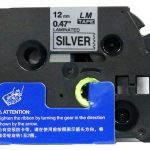 P-Touch Label Tapes
 Thermal Labels & Rolls
 Toner Cartridges
 Ink Cartridges
 DYMO Label Rolls
 DYMO Label Tapes
 Toner Cartridges
 Ink Cartridges